
🏆 Top choice for small businesses
Get More Reviews with a Simple Tap
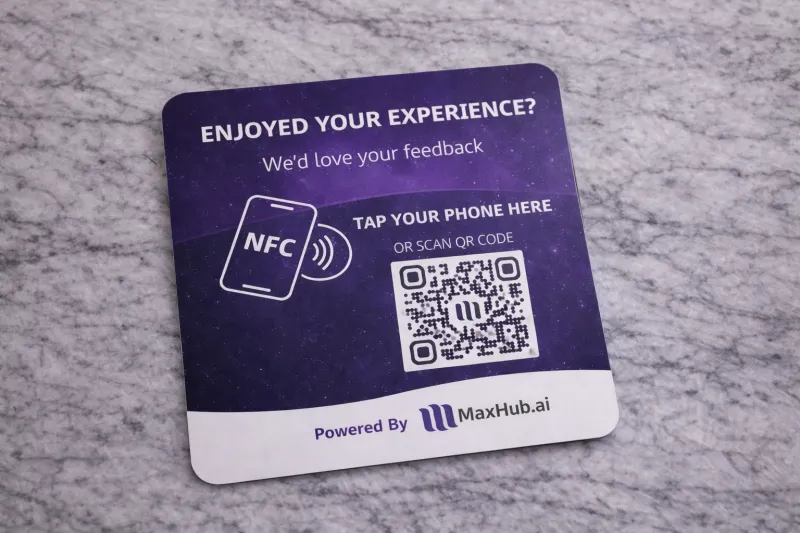
MaxHub.Tap helps customers leave a review or connect with your business in seconds—via NFC tap or QR code scan.
Works with iPhone & Android
No app required
Setup in minutes
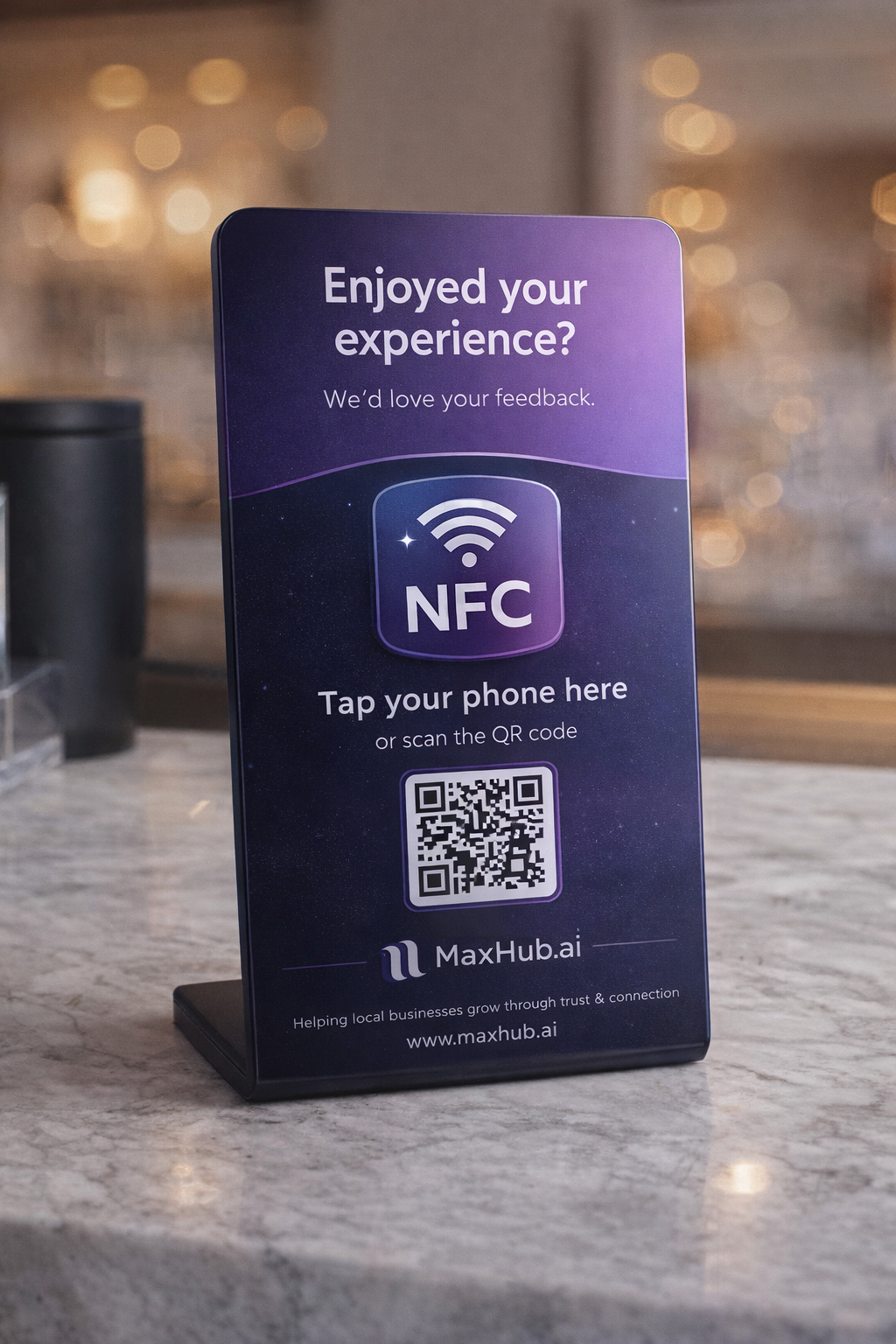
Works with iPhone & Android
No app required
Setup in minutes


Reviews Should Be Easy.
Most businesses struggle with reviews because:
Customers forget once they leave
Asking for reviews may feel awkward for staff
Paper QR codes are ignored or look unprofessional
Paper signs get damaged, lost, or removed
Too many steps lead to a drop-off
Happy moments aren’t captured at the right time
MaxTap makes the moment count — right at checkout, reception, or the front desk.








How It Works
Step 1: Place it
Put MaxHub Tap on your counter or desk (stand or lay flat).
Step 2: Customers tap or scan
They tap their phone or scan the QR code — no app needed.
Step 3: They leave a review or connect
Send them to the exact page you choose: reviews, contact info, booking, website, or more.
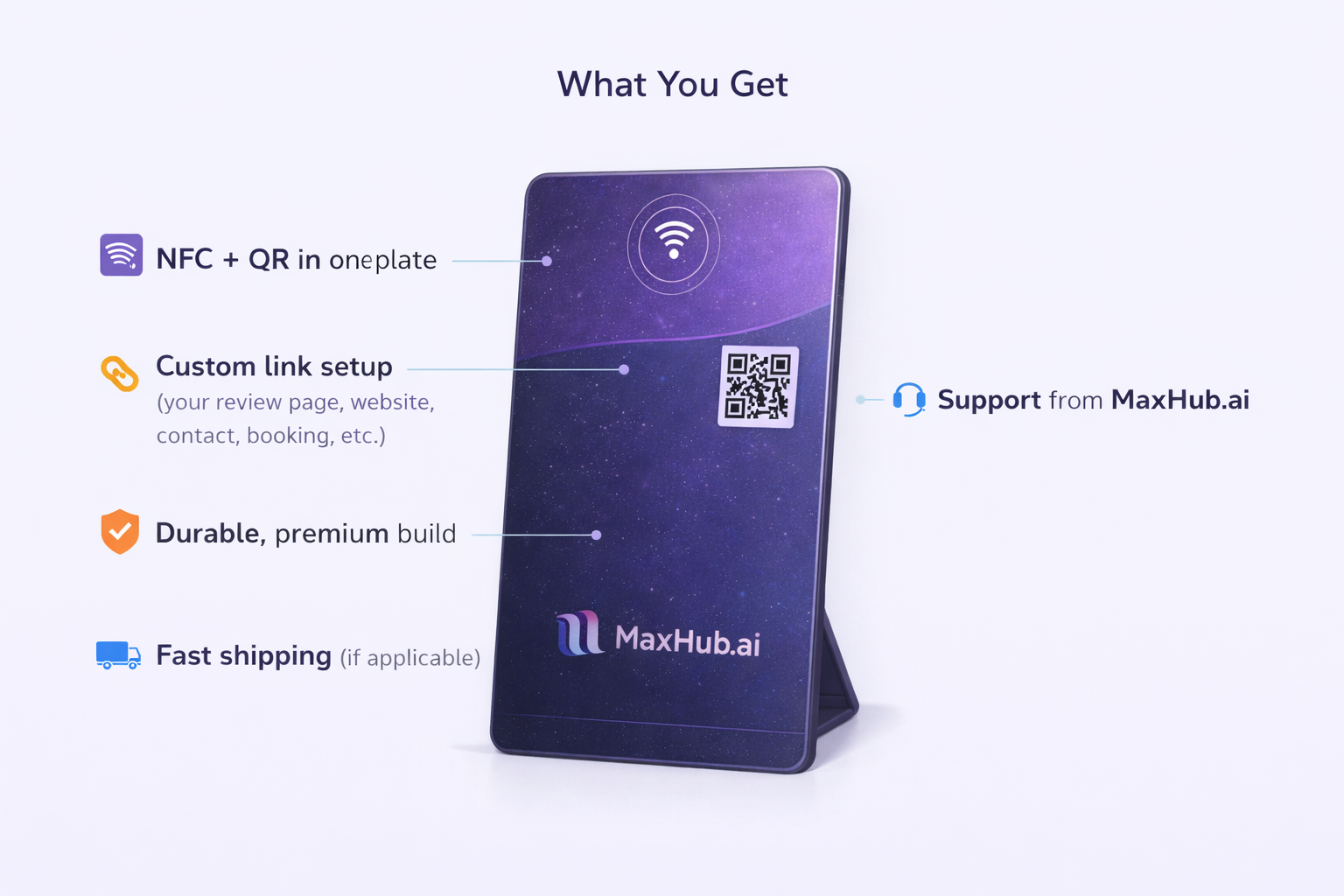
Built to Grow Your Business
Increase Review Volume
Turn happy customers into real reviews on the spot.
Improve Local Visibility
More reviews = stronger trust and better placement in search.
One Tap Experience
Made for Business Owners
Clean design that looks premium on any counter.
No App Required
Works instantly with modern smartphones.
Frequently Asked Questions
Does it work with iPhone and Android?
Yes. MaxHub Tap works with modern iPhone and Android devices that support NFC or camera-based QR scanning.
Do customers need an app?
No. Customers don’t need to download any app. They simply tap their phone or scan the QR code to continue.
Can I change where it links to?
Yes. You can choose where the tap or scan directs customers at the point of purchase — such as your review page, website, booking link, contact page, or another destination.
Where should I place it in my business?
MaxHub Tap works best where customers naturally pause, such as:
* Checkout counters
* Reception desks
* Front desks
* Service counters
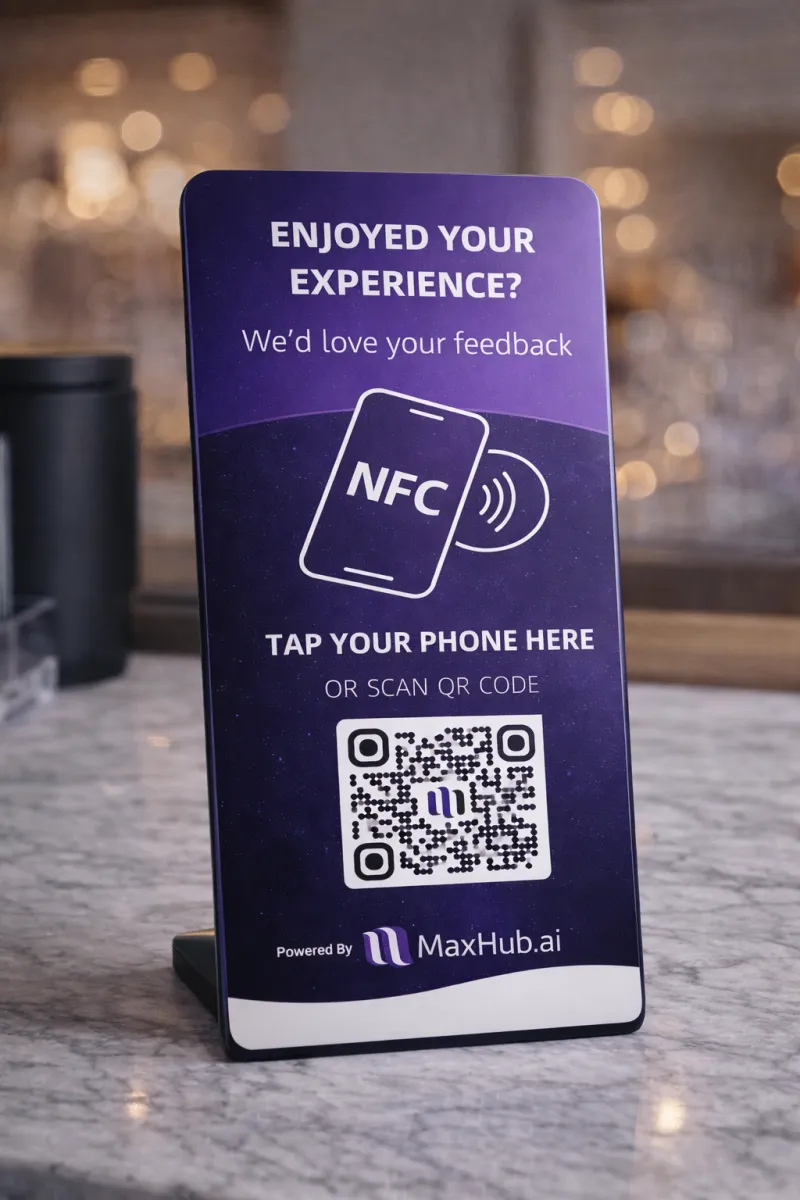
It can stand at an angle or lay flat on the counter.
What if my counter is small?
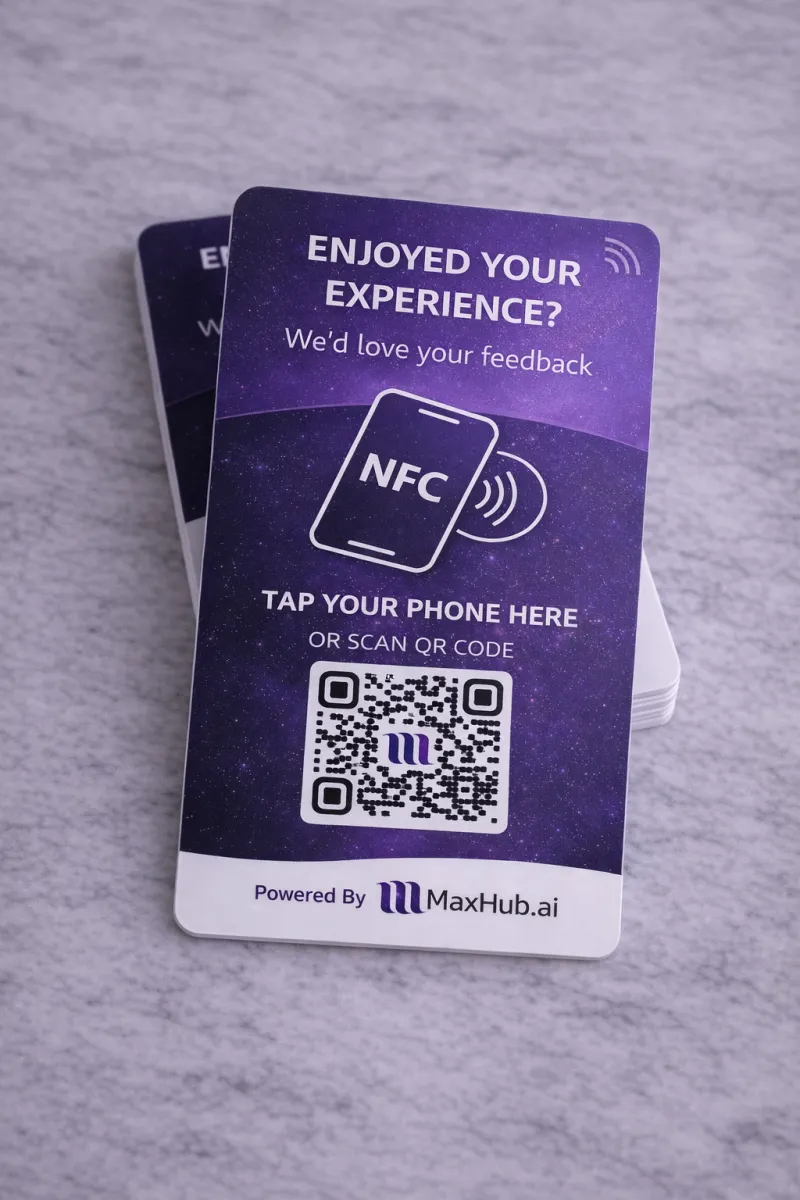
No problem. MaxHub Tap is designed with a compact footprint and can be placed flat on the counter when space is limited.
Is the QR code customizable?
The QR code is set up to match your selected destination, ensuring customers land on the right page every time. If you would like to include your logo, please include in the PDF printable format with no space around it.
How long does setup take?
Setup is quick and simple. Once your link is ready, MaxHub Tap is ready to use in just a few minutes.
What if I have multiple locations?
MaxHub Tap is ideal for multi-location businesses. You can use different cards for each location, each pointing to its own destination if needed.